Bad Cell Service in Longmont? How a Reliable Home Network Fixes Dead Zones
Short answer: if your phone drops calls or shows one bar inside your Longmont home or office, you don't have to wait for the carriers to fix the towers. A properly designed wireless network can carry your calls and texts over Wi-Fi instead. It needs access points placed where you actually use your phone, each one wired back to your internet connection. Next Step Communications designs and installs these networks for homes and businesses across Longmont, Niwot and the rest of Northern Colorado.
Below, we'll cover:
- why so many people around Longmont are losing signal this fall
- why some buildings were dead zones long before that
- how Wi-Fi calling works
- what makes a network that carries calls reliably
- what the process looks like when we fix it for you
Why is cell service so bad in Longmont right now?
If it feels like your coverage got worse this fall, you're not imagining it. More than 100 people in Longmont and Niwot have filed complaints with the FCC about their cell service since early September 2026, according to local reporting. Neighbors have described calls dropping mid-sentence and texts arriving late or not at all. Many say their phones show full bars outside but nothing in the living room.
The cause is unusual. AT&T, Verizon and T-Mobile have limited their signal in parts of Boulder County to comply with federal rules protecting the Table Mountain Radio Quiet Zone north of Boulder. Table Mountain is a 1,700-acre federal research site where scientists study radio waves and test communications technology. Transmitters near it, including cell sites, have to keep their signal below certain levels so they don't interfere with that work. When carriers turn their signal down to stay within those limits, homes and businesses on the edges of their coverage feel it first.
In October, Senators Michael Bennet and John Hickenlooper and Representative Joe Neguse wrote to the FCC and the National Telecommunications and Information Administration. They asked both agencies to sit down with the carriers and find a fix, pointing to public safety and the county's wildfire risk. That's good news. But federal agencies and three national carriers don't move quickly, and any solution will take time to reach individual neighborhoods. In the meantime, you still need your phone to work in your kitchen, your home office and your shop.
It's not only the towers: why buildings create dead zones
Even before this fall, plenty of Longmont homes had rooms where the phone simply didn't work. Cell signals have to get through your walls and roof to reach you, and many modern building materials are very good at blocking them:
- Low-E windows. The energy-efficient coating that keeps your house warm in a Colorado winter also reflects radio signals.
- Metal roofing and siding. These are common on newer builds, shops and outbuildings around Boulder and Weld counties, and they block signal very effectively.
- Stucco, brick and concrete. Traditional stucco is often applied over wire mesh, which acts like a shield.
- Basements. Below-grade rooms are surrounded by earth and concrete, which is why so many basement offices and media rooms have no service.
- Distance and layout. In a large home, the rooms on the far side from the tower can lose most of their signal before it reaches them.
Commercial buildings have it worse. Steel framing, metal warehouse walls and large footprints can leave the middle of the building with no service even when the parking lot has full bars. For a business, that means missed customer calls, staff walking outside to finish a conversation, and two-factor login codes that never arrive.
A quick way to tell which problem you have: step outside and check your bars. If you have a strong signal in the driveway but lose it indoors, your building is a big part of the problem. If you have a weak signal outside too, the tower situation is to blame. If there's signal outside, a cell booster can bring it indoors (more on that below). Either way, Wi-Fi calling works, because it doesn't depend on the cell signal reaching you at all.
How does a wireless network fix bad cell service?
Every major carrier supports Wi-Fi calling , and almost every modern smartphone has it built in. When it's turned on and the cell signal is weak, your phone sends ordinary calls and text messages over your Wi-Fi network instead of the cell tower. Your number stays the same, the people you call see nothing different, and there's no app to install. You dial and text exactly as you always have.
The catch is that Wi-Fi calling is only as good as the Wi-Fi underneath it. Two common setups cause trouble:
- a single router in a closet
- a store-bought mesh kit that passes the signal wirelessly from one unit to the next
Both tend to produce the same symptoms people blame on their carrier: calls that break up as you walk between rooms, robotic-sounding audio, and drops at the edge of coverage. Streaming a movie can handle a hiccup because it loads ahead of what you're watching. A live phone call can't. Voice needs a connection that is steady, not just fast.
That's where a professionally designed network makes the difference.
Access points placed by design, not by guesswork
We place access points where you actually spend time and take calls. That includes the kitchen, the home office, the bedroom at the end of the hall, the basement, the garage and the detached shop. We plan coverage room by room around how you use the space, not around wherever an outlet happens to be.
Every access point wired back to the network
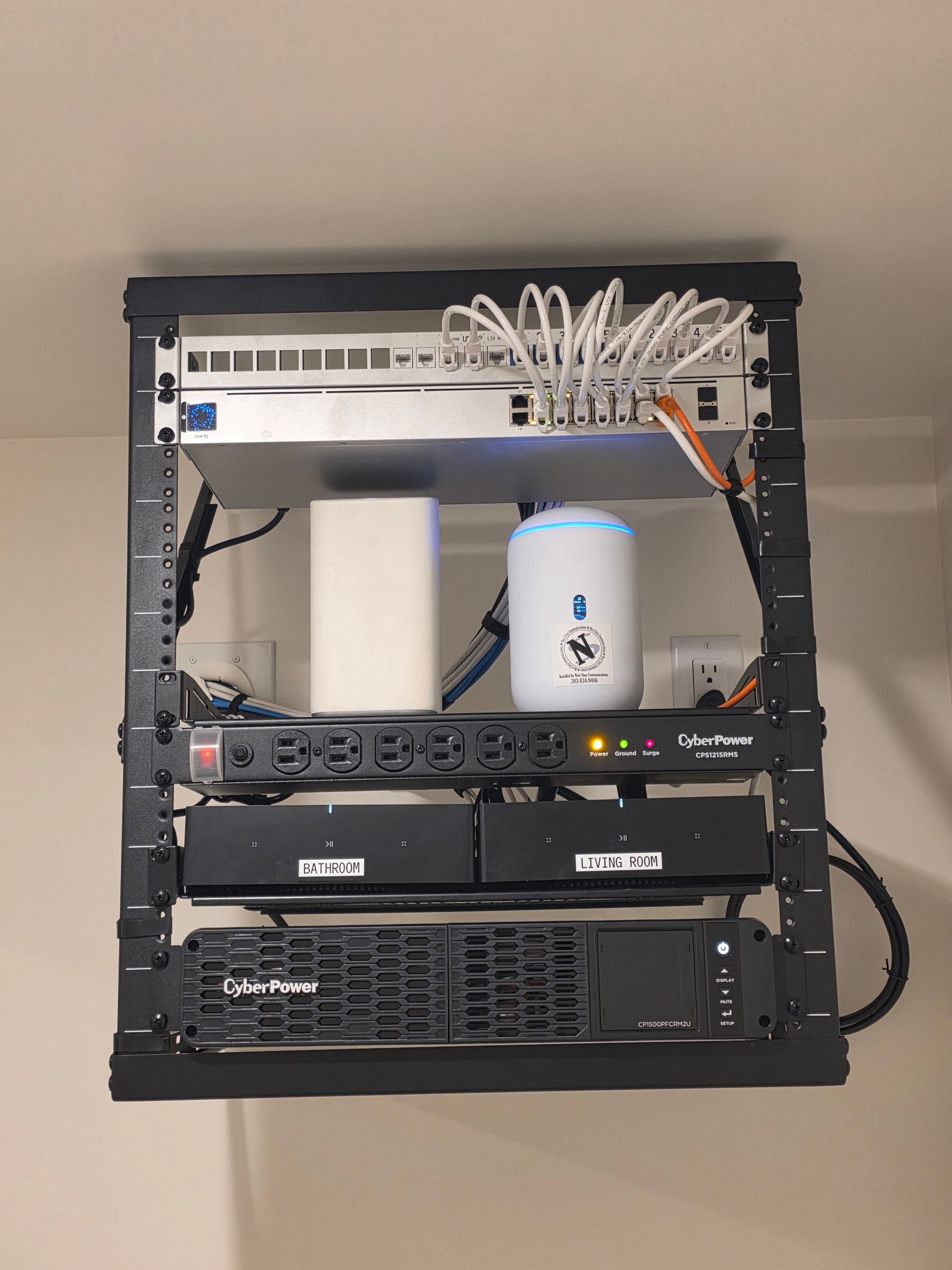
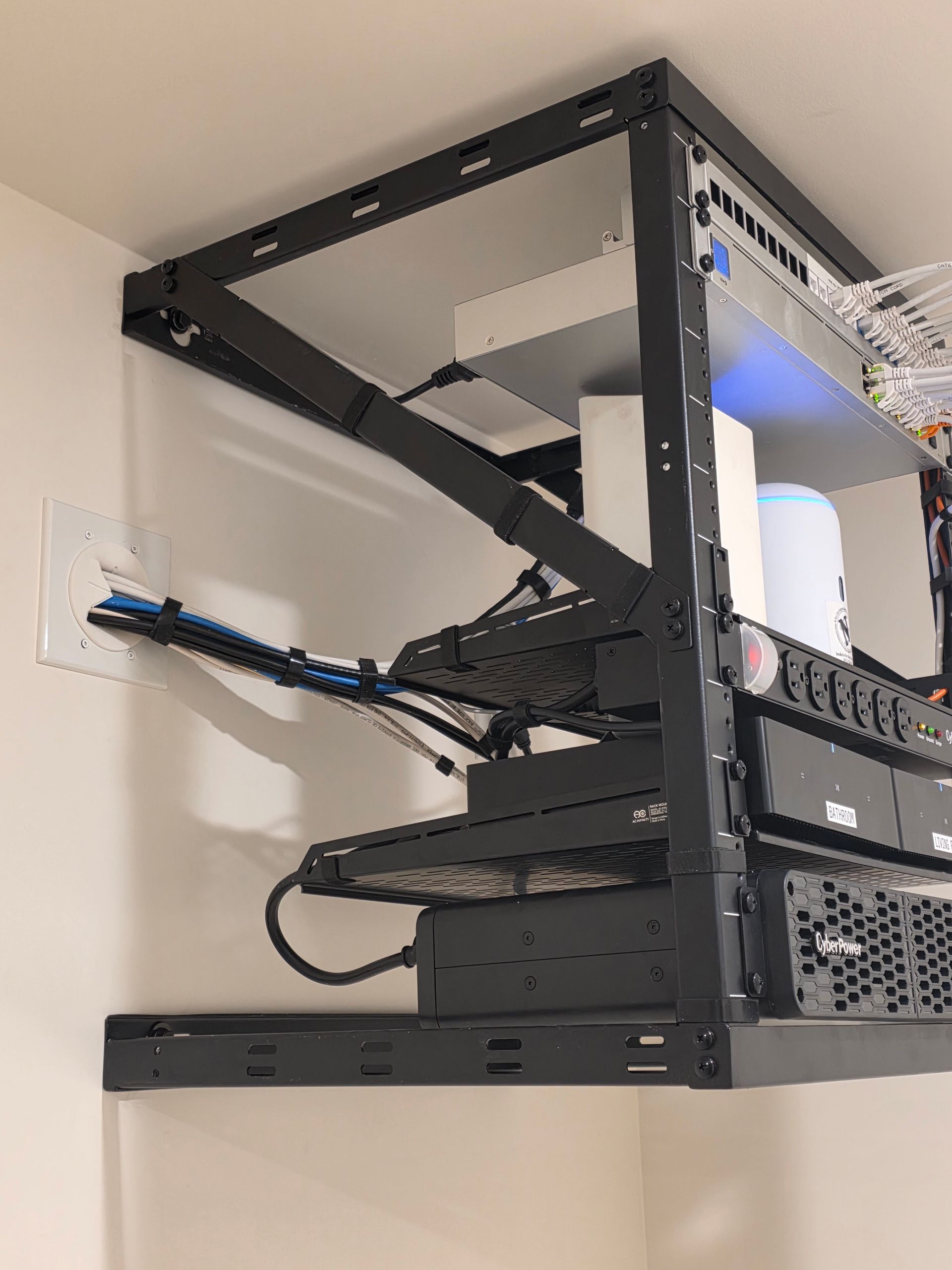
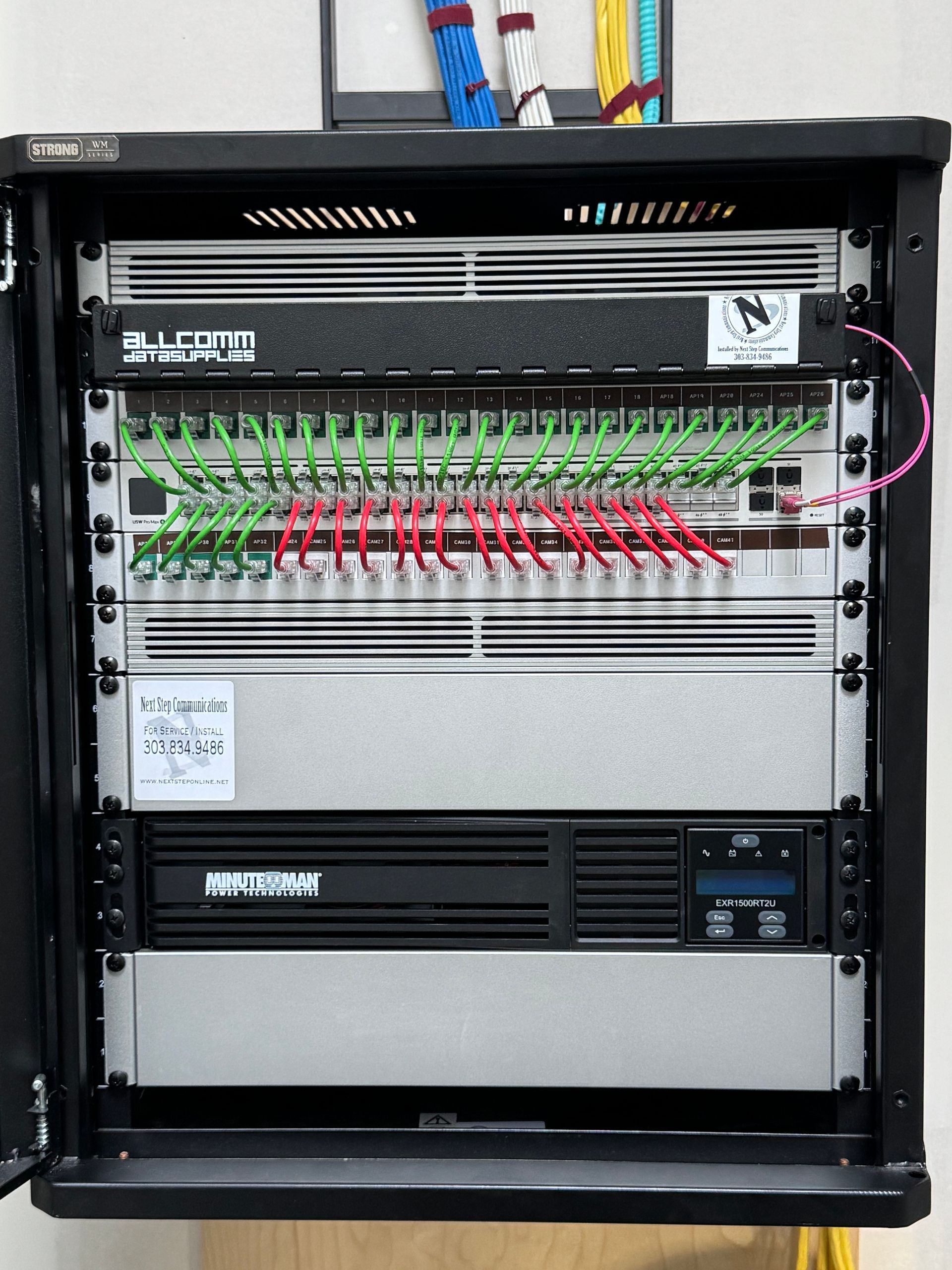
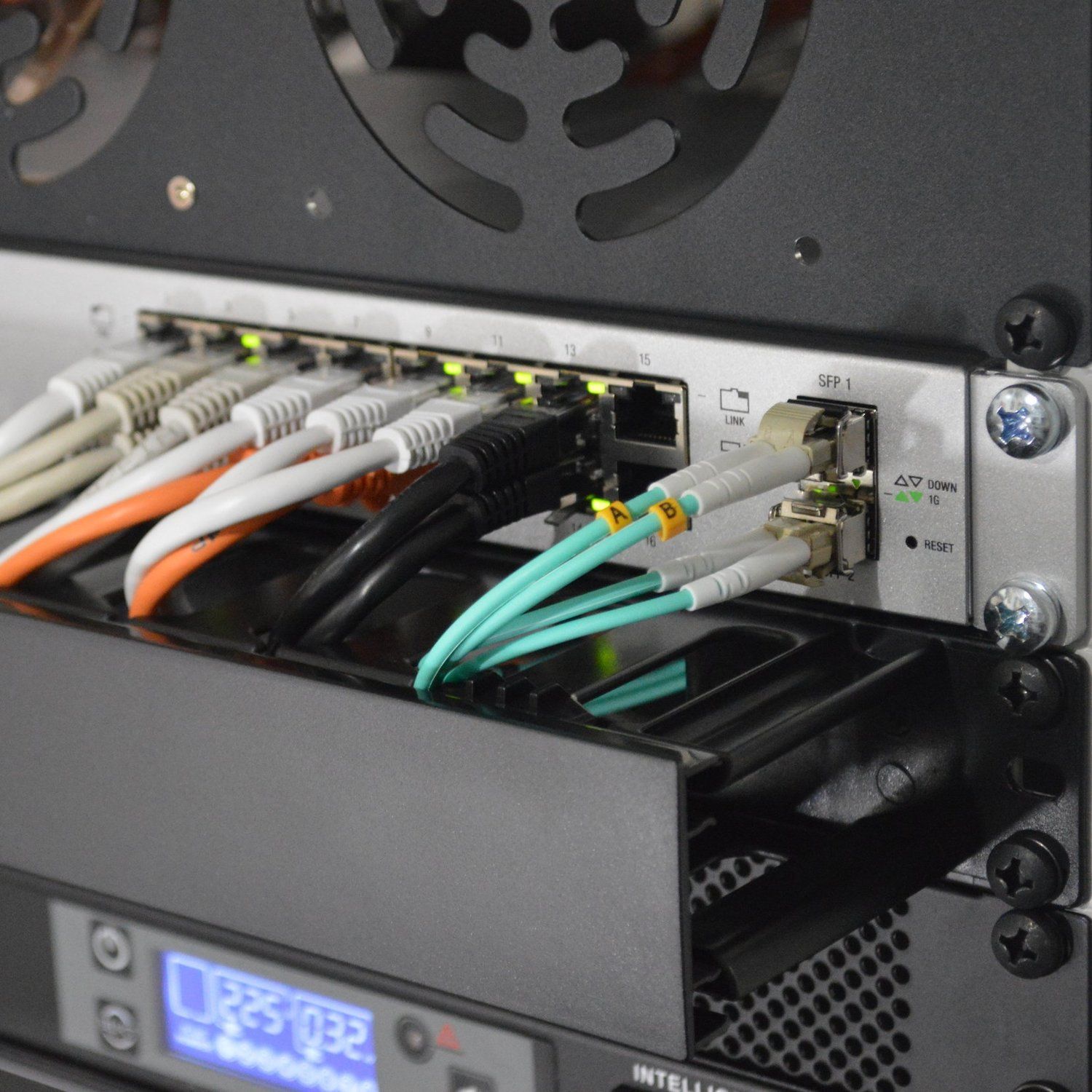
Each access point runs on its own structured cabling, which carries both data and power to the device over a single cable. Every access point gets a full-strength connection straight from your internet connection, instead of picking up a weaker signal over the air from the unit next to it. That's the single biggest reason a wired system holds a call steady where a wireless-only mesh struggles.
Seamless roaming from room to room
A properly configured system hands your phone from one access point to the next as you move. A call that starts in the kitchen doesn't drop in the hallway or on the stairs. Getting this right is mostly about configuration and placement, and it's one of the details off-the-shelf kits often miss.
Coverage outdoors and in outbuildings
Plenty of Longmont-area properties have a patio, a backyard, a barn, a shop or a guest house where people need their phone to work. Outdoor access points are simply an extension of your home or business network, so the same coverage, and the same Wi-Fi calling, carries on outside.
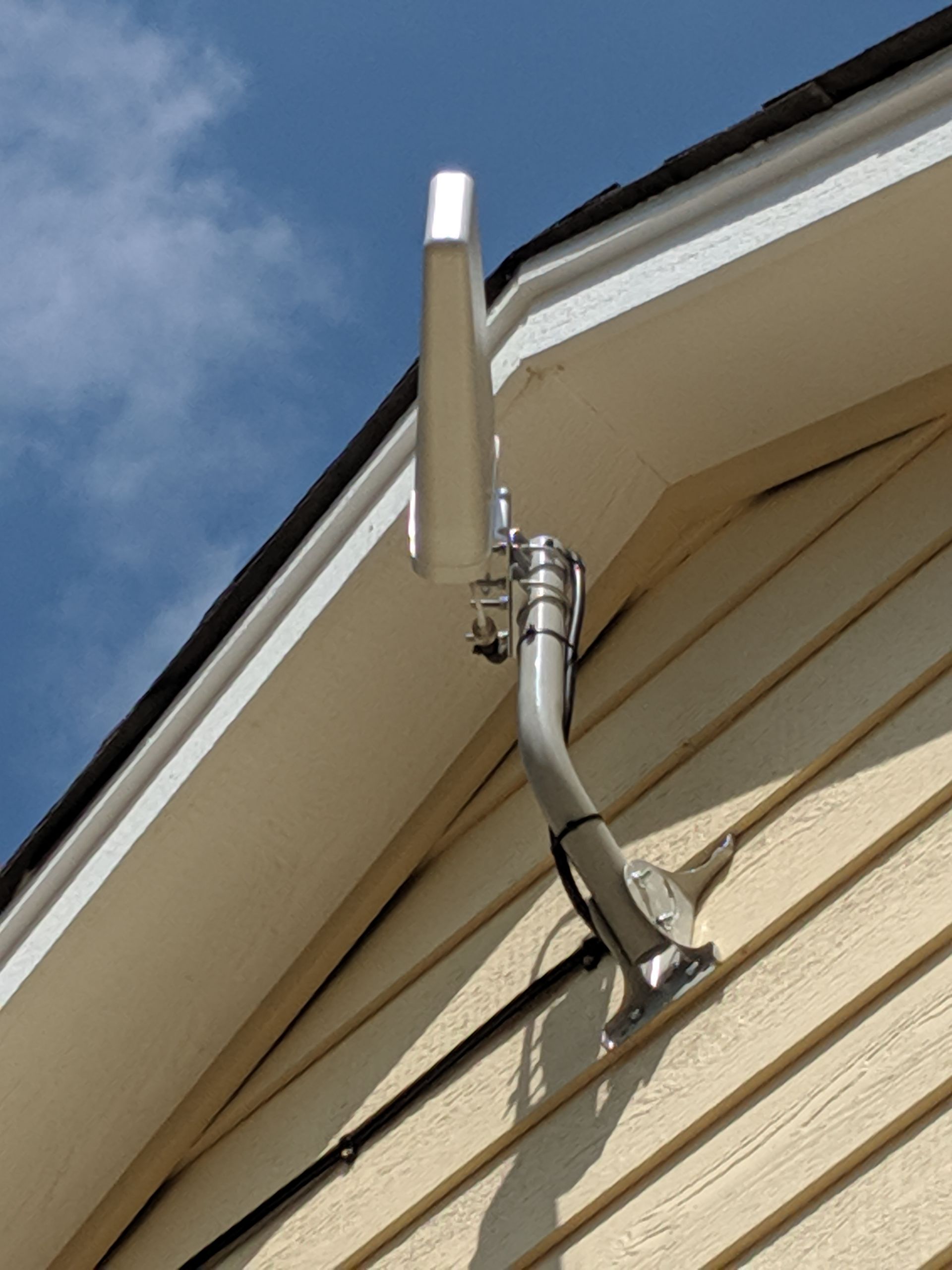
For a separate building, such as a detached shop, barn or office, we can install a point-to-point wireless bridge. It connects a building on the same property, or a separate one up to about a mile away with good line of sight, back to the main building where your internet and network are located. The bridge is hidden, and the remote building gets Wi-Fi, hardwired connections and cameras, all on the same network as the main building.
One network for everything else, too
The same network carries your streaming, smart home devices, work laptop, video doorbell and security cameras. Fixing your phone service ends up improving everything else connected in the house.
You can read more about how we approach this on our home and business networking page.
What about a cell signal booster?
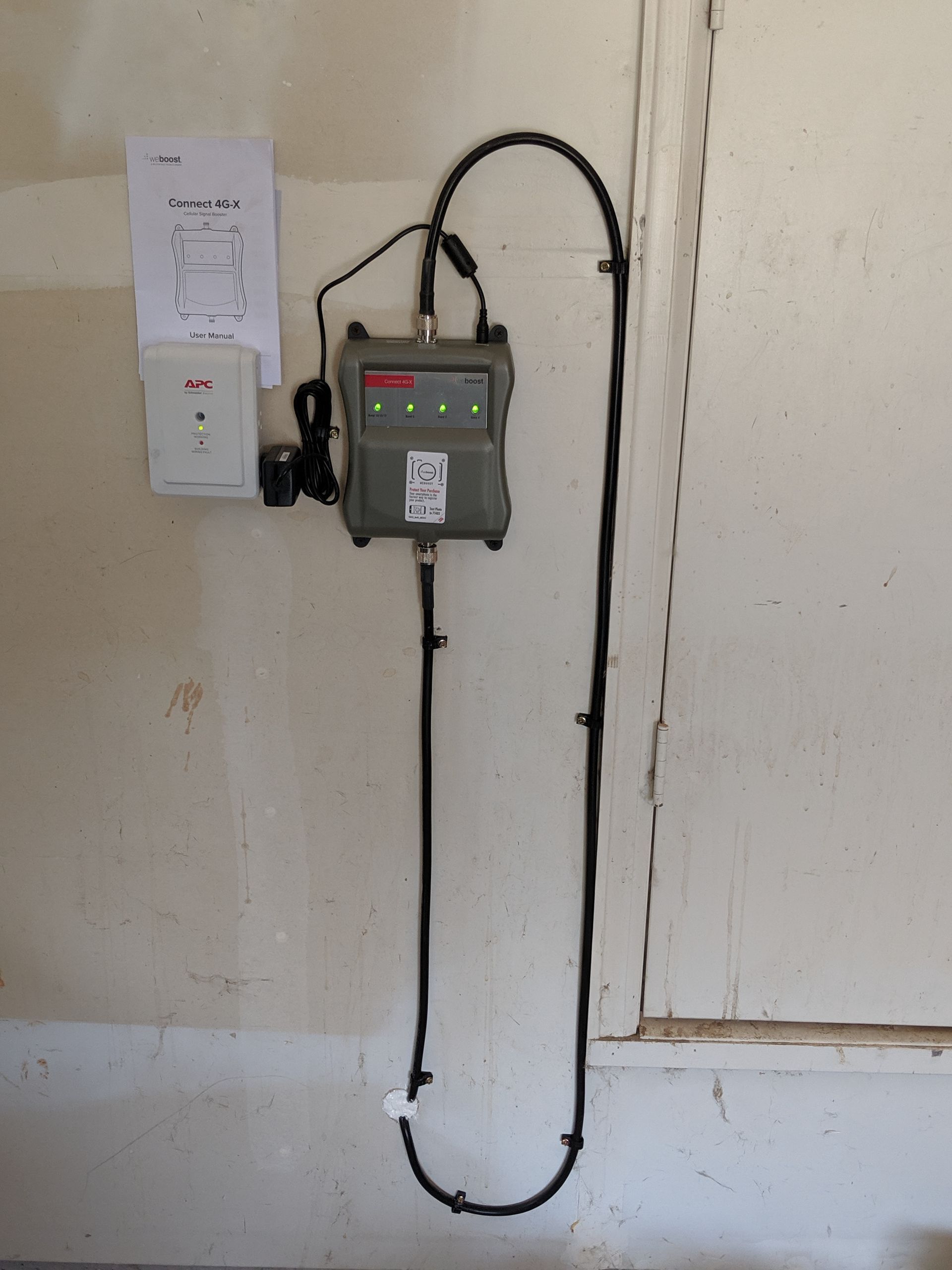
If your phone has a usable signal outside the building but loses it indoors, a cell signal booster is another option, and it's one we still install. An antenna mounted on the outside of the building picks up the existing signal, and the booster brings it inside so your phone works throughout the house or office.
A booster can only bring in a signal that's already there. It can't amplify a signal that doesn't exist, so if there's nothing usable outside, as in some of the areas hit by this fall's coverage cuts, a booster won't help. That's where Wi-Fi calling over a solid network is the more dependable fix. During the walk-through, we'll look at what signal you have outside and recommend the approach that fits, or a combination of both.
What does the process look like?
Every building is different, so we start by understanding yours rather than selling a box.
- Walk-through. We look at the layout, the construction materials and where your phone currently fails. We also talk through how you use each space. Where do you take work calls? Where do the kids do homework? Is there a shop or office out back?
- Design. We plan the number and placement of access points, the cable routes, and where the network equipment will live.
- Proposal. We lay out the recommended work in a proposal, so you know exactly what's being installed before we start.
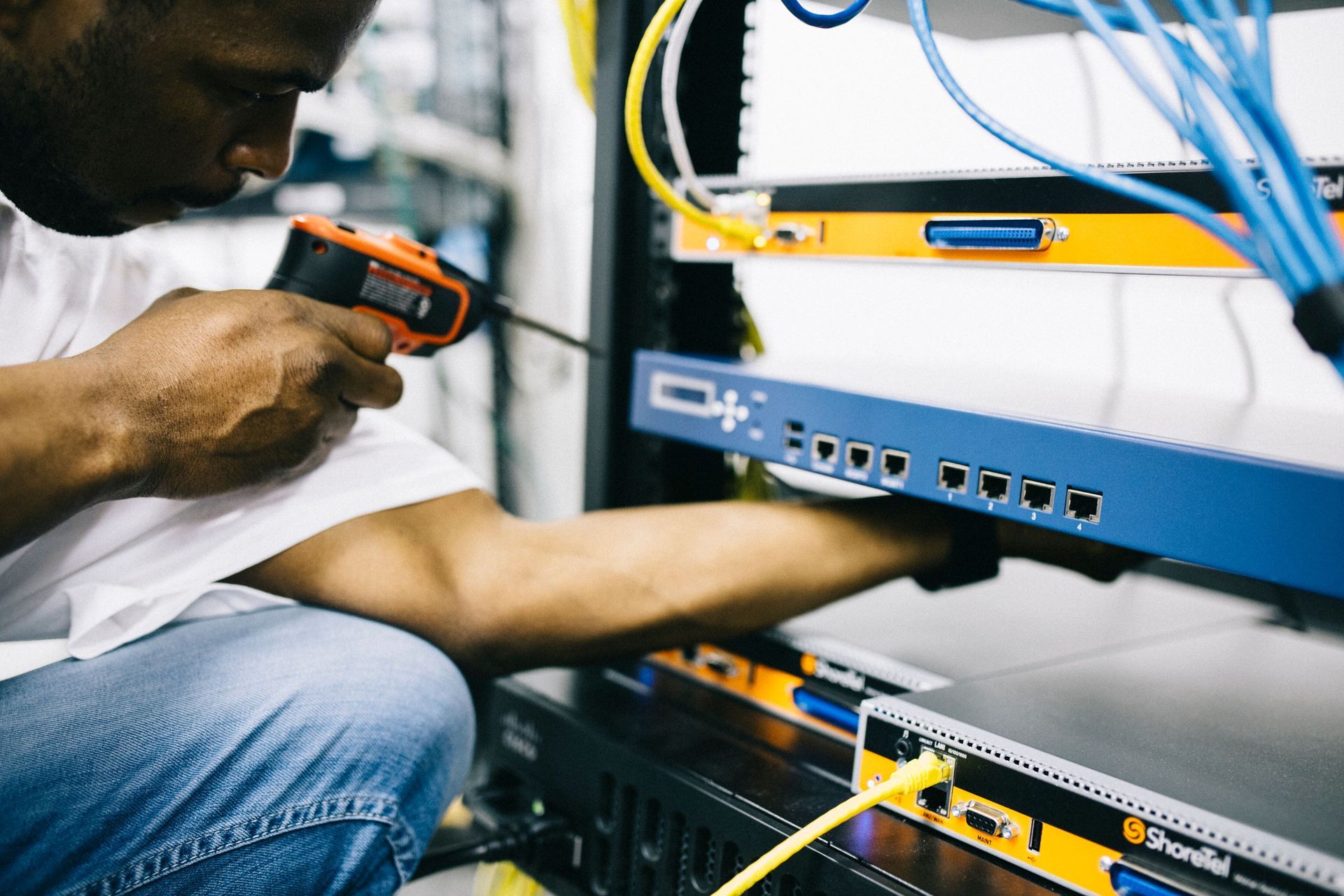
- Installation. We run the cabling, mount the access points cleanly, and install the network equipment.
- Programming. We set up and configure the network, including the settings that let your phone hand off smoothly from one access point to the next.
- Testing. We test the wireless signal and coverage throughout the property, including the spots that used to be dead zones.
- Phone setup. We connect your household's phones to the network, activate Wi-Fi calling, and make sure your emergency address is set correctly.
What internet connection do I need for Wi-Fi calling?
Wi-Fi calling uses very little bandwidth, so reliability matters far more than speed. Most of Longmont is well served by wired internet, and a fiber optic connection from one of the area's fiber internet providers makes an excellent foundation for Wi-Fi calling. Our job is to make sure that connection actually reaches every corner of the building.
Fiber and cable don't reach rural properties east of town or up toward the foothills. Out there, Starlink is often the realistic option, and it can carry Wi-Fi calling too. We install both the dish and the network behind it, so the whole chain from the satellite to your phone is set up properly. See our Starlink installation page for more.
What happens during a power outage?
This is worth thinking about, especially given Boulder County's wildfire risk and the wind-driven outages the Front Range sees every year. Wi-Fi calling depends on your internet connection and your network equipment, and both need power. When the power goes out, your phone falls back to whatever cell signal is available, which in a dead zone may not be much.
We recommend, and almost always quote, a rack-mounted or standalone battery backup for the network equipment. It surge-protects the gear and, depending on how much equipment is connected to it, keeps your internet and any cameras on the network running for a short period while the power is out. If you need several hours of runtime, we can install a larger system to keep everything operational through an extended outage.
Is there anything I need to set up on my phone?
Two things. First, turn on Wi-Fi calling in your phone's settings. On an iPhone, it's under the Phone settings. On most Android phones, it's under the call or connection settings. Some carriers also ask you to activate it on your account the first time.
Second, when your carrier asks, enter your correct street address as your emergency (E911) address. When you call 911 over Wi-Fi, that registered address is what helps dispatchers find you, so keep it accurate and update it if you move. If you're not sure how, we're happy to walk you through it when we finish the install.
Is this just for homes, or for businesses too?
Both. We install networks for homes, home offices, shops, clinics, offices, warehouses and multi-unit buildings. For businesses, the stakes are higher: a dropped call can be a lost customer, and staff who can't get a signal at their desk end up taking calls in the parking lot.
With a well-built business network, staff can take calls anywhere in the building and customers don't hear the line breaking up. Login codes and alerts arrive when they should. The same network is a solid foundation for cameras, card readers and guest Wi-Fi. For property managers, the same approach can cover common areas, leasing offices and maintenance spaces.
There's no minimum job size. A single room with no signal is worth a call just as much as a whole building.
Frequently asked questions
Will Wi-Fi calling cost me extra?
AT&T, Verizon and T-Mobile don't charge extra for Wi-Fi calling within the U.S. on standard plans. Check your own plan for international calling rules.
Do I need a new phone?
Almost certainly not. Wi-Fi calling has been standard on iPhones and mainstream Android phones for years.
Will my phone switch back to the cell network when I leave the house?
Yes. Your phone switches between Wi-Fi and cellular automatically, so you don't have to do anything.
Can guests use Wi-Fi calling in my home?
Yes, as long as they're connected to your Wi-Fi and have Wi-Fi calling turned on. A separate guest network keeps them off your main network while still giving them reliable calls.
Can't I just buy a mesh kit from a big-box store?
You can, and in a small, simple home it may be enough. Larger homes, homes with thick walls or basements, and commercial buildings are a different story. There, wireless-only mesh units often lose quality each time the signal passes from one unit to the next, and that shows up first on voice calls. Wired access points avoid that problem.
How many access points will I need?
It depends on the size, layout and construction of the building. A compact home may need two or three, while a large home with a basement and outbuildings may need more. We'll recommend a number after the walk-through rather than guessing up front.
Will the carriers eventually fix coverage in Longmont?
Possibly. Federal lawmakers have asked regulators to work with the carriers on a solution. But a well-built network fixes indoor dead zones either way, including the ones caused by your building itself. It will keep paying off however the tower situation plays out.
What areas do you serve?
Next Step Communications is based in Longmont and serves Northern Colorado. Our area runs from Cheyenne, WY, to Fort Morgan and down to Evergreen, Conifer and South Denver, including Niwot, Boulder, Mead, Firestone, Berthoud and Fort Collins.
Stop stepping outside to take a call
Maybe your dead zones started with this fall's coverage cuts, or maybe they've been there since the day you moved in. Either way, you shouldn't have to stand in the driveway to finish a phone call. As a Longmont-based company, we're dealing with the same coverage problems as our neighbors, and we know which fixes hold up. We'll look at where coverage fails, design a network that covers it, and get Wi-Fi calling working reliably throughout your home or business. Request an estimate or call us at 303-834-9486.